Get found. Get chosen. Grow locally.
Snap Israel helps people discover businesses and services across Israel. Business owners can create a complete profile, show up in relevant searches, and give customers a direct way to call, email, visit a website, or get directions.
Three simple steps to a stronger local presence
Start with the information customers actually need, then keep your profile accurate as your business changes.
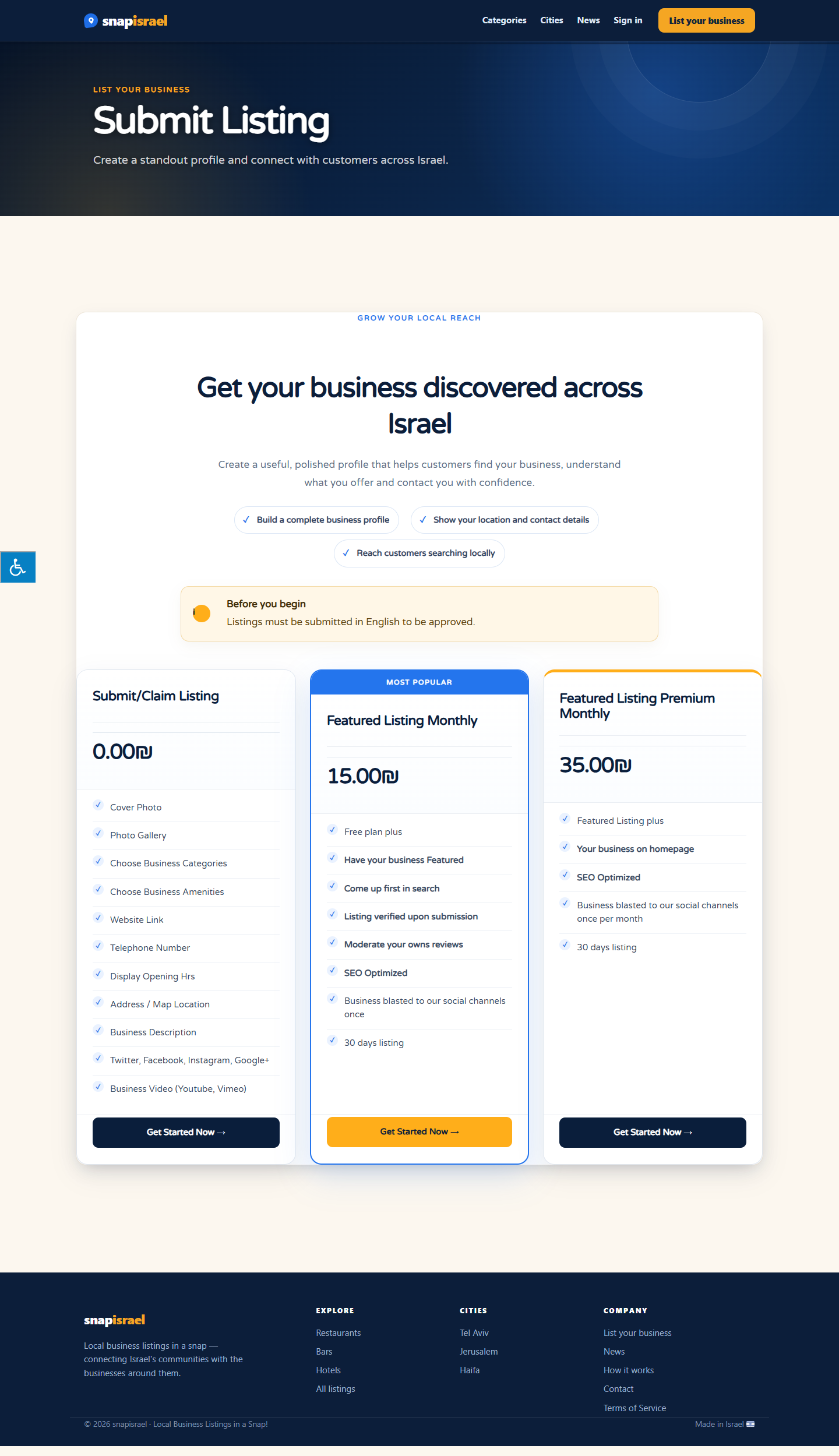
Choose a listing option
Compare the free and featured options, then choose the level of visibility that fits your business.
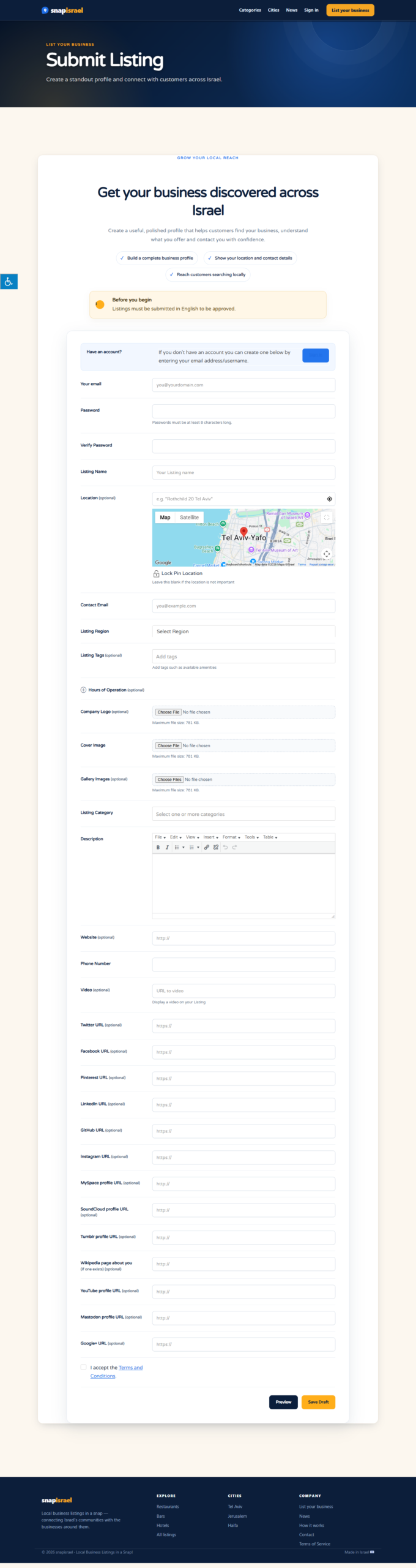
Build your business profile
Include your full street address or service area, map location, phone, email, website, hours, categories, services and photos.
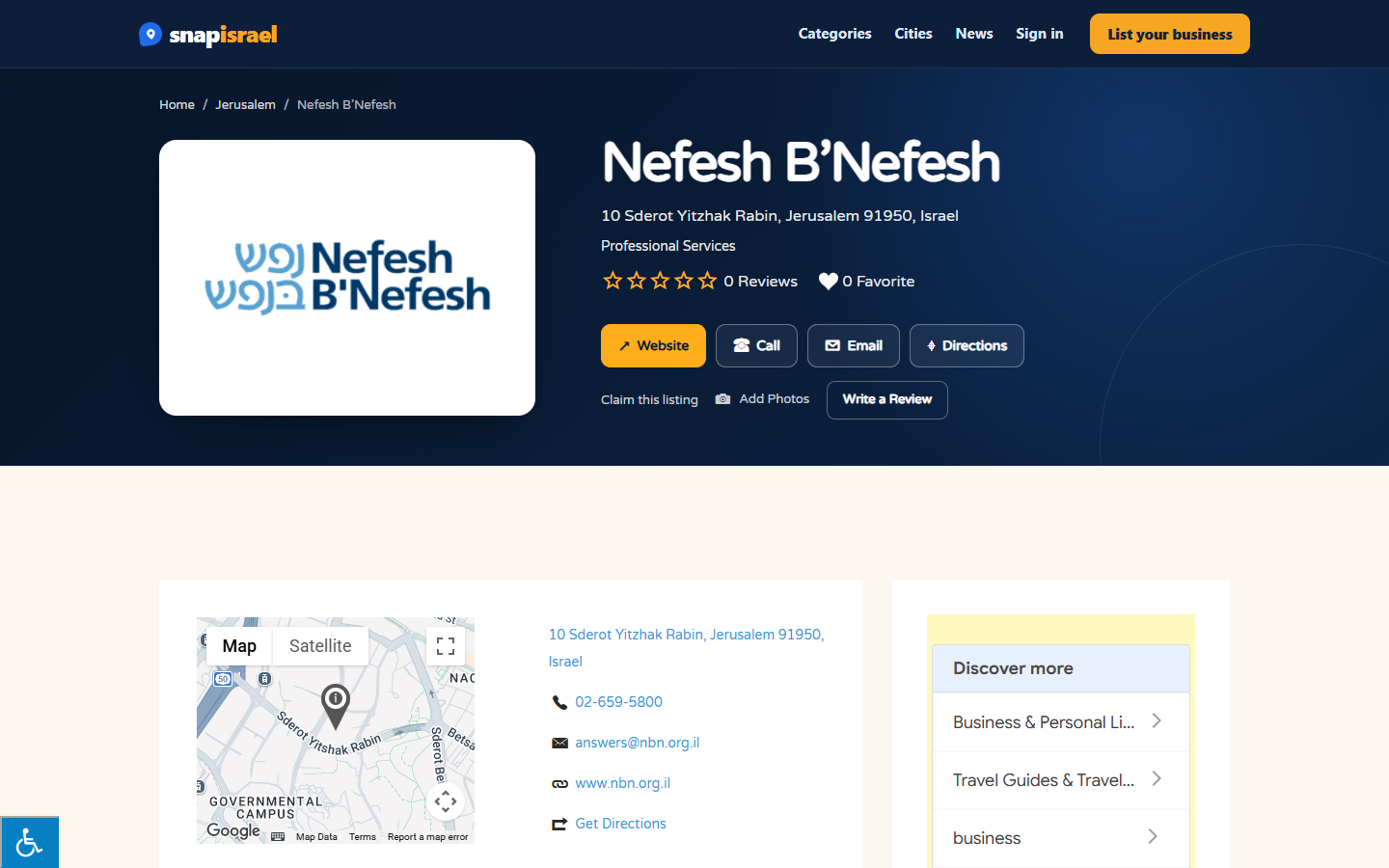
Publish and keep it current
Once approved, your profile appears publicly with direct actions for calls, emails, websites and directions. Sign in later to keep it accurate.
Find a useful local option faster
Search by service, category or place, compare the practical details, and contact the business directly when you are ready.
A clear review and publishing process
Every submission is checked before it appears publicly. This helps keep the directory useful and gives owners a chance to correct important information.
- Step 01SubmitSend the business details, address, contact links, categories and images through the listing form.
- Step 02ReviewSnap Israel checks the submission for completeness, relevance and clear location information.
- Step 03Publish and updateWhen approved, the profile is published. Owners can sign in through My Account to keep it current.
Helpful tip: Use the real street address wherever customers visit you. If you travel to customers, describe the service area instead of adding an office address that is not yours.
Questions people ask
Who can add a listing?
Business owners, authorised representatives and community members can submit a business that serves customers in Israel. Owners can claim and manage their profile after signing in.
What should I include in my submission?
Add the business name, a truthful address or service area, phone, email, website, opening hours, a useful description, the best category and a clear logo or cover image.
How long does approval take?
Submissions are reviewed before publication. If we need clarification, the listing may remain pending until the details are corrected or confirmed.
Can I update my listing later?
Yes. Sign in through My Account to edit your listing, update contact details, replace images and keep your business information fresh.
How do customers contact a business?
Depending on the information supplied, a listing can provide call, email, website, map and directions actions. Always confirm current availability and opening hours with the business.
Put your business in front of the people looking for it.
Create a clear, useful profile and keep it up to date as your business grows.
